How the Pokémon card scanner works
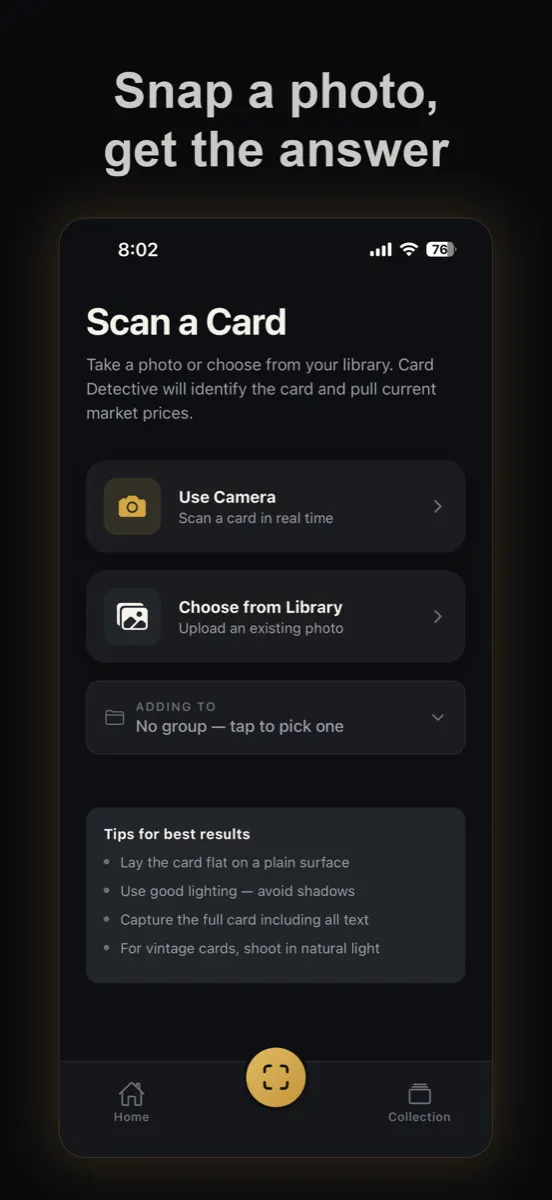
- Take a photo of the front. Lay the card flat in good light. Pokémon card backs are all the same, so tap "Skip back" when the app asks for the back.
- Card Detective identifies it. It reads the name and card number from your photo, looks the card up in a Pokémon card database, and fills in the set, rarity and year.
- See the price. You get the TCGplayer market price for that card in its finish when one is available, or current eBay asking prices when it isn't.
- Add it to your collection and watch the total. Set quantities for duplicates and sort cards into groups, like a binder or a pack you opened.
What it reads from your card
Why holo type matters for price
The plain, holo and reverse holo versions of a card share the same number, but they don't share a price. A scanner that only matches the card number can show you the wrong one. Card Detective checks the finish against the versions that card was actually printed in, and looks for the pattern modern reverse holos carry behind the attack text.
Shine is hard to see in a photo, so it isn't perfect. If the finish doesn't match what you see when you tilt the card, trust the tilt. Our reverse holo vs holo guide shows how to check in ten seconds.
How to check what a Pokémon card is worth by hand
- Find the set and number. On modern cards they're in the bottom-left corner: a set code like PAL and a number like 098/193.
- Work out the finish: plain, holo or reverse holo. Tilt the card under a light.
- Judge the condition. Prices you find online are usually for near-mint cards. Whitening, scratches or bends lower the value.
- Look up recent prices for that exact set, number and finish. Sold prices are the best guide; asking prices, what sellers list cards for, usually run higher.
That's what the scanner does for you in a few seconds. Most common and uncommon cards are worth little on their own; the value in a bulk collection is usually in a handful of rares, ex cards and special art cards, which is why it helps to scan them all.
Tips for a good scan
- Lay the card on a plain, dark surface and fill the frame with it.
- Use bright, even light. Avoid a lamp directly overhead on holo cards, where glare can hide the number.
- Take cards out of thick top loaders if the number is hard to read through the plastic. Penny sleeves are fine.
- If a card comes back wrong, open it and tap "Edit" to correct any detail.
Also scans sports, Magic and Yu-Gi-Oh! cards
The same app identifies baseball, basketball, football and hockey cards, plus Magic: The Gathering and Yu-Gi-Oh!. Everything goes into one collection with one total. Thinking about grading a card? Try the grading calculator or read what each PSA grade means.